Welcome to Tradetrove Digital Limited. In this post, you will learn how to log in to the system and begin experimenting with it. Head over to tradetrove.vbarter.com to begin or click the button below.
1. Visit tradetrove.vbarter.com
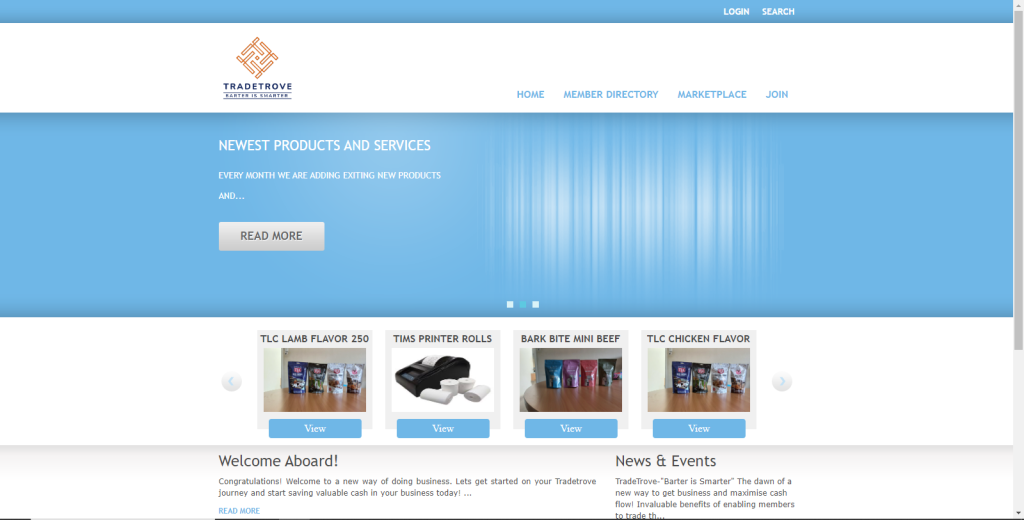
Head over to the link above. Once your page loads successfully, you should see a page resembling the image below.
2. Click the LOGIN button
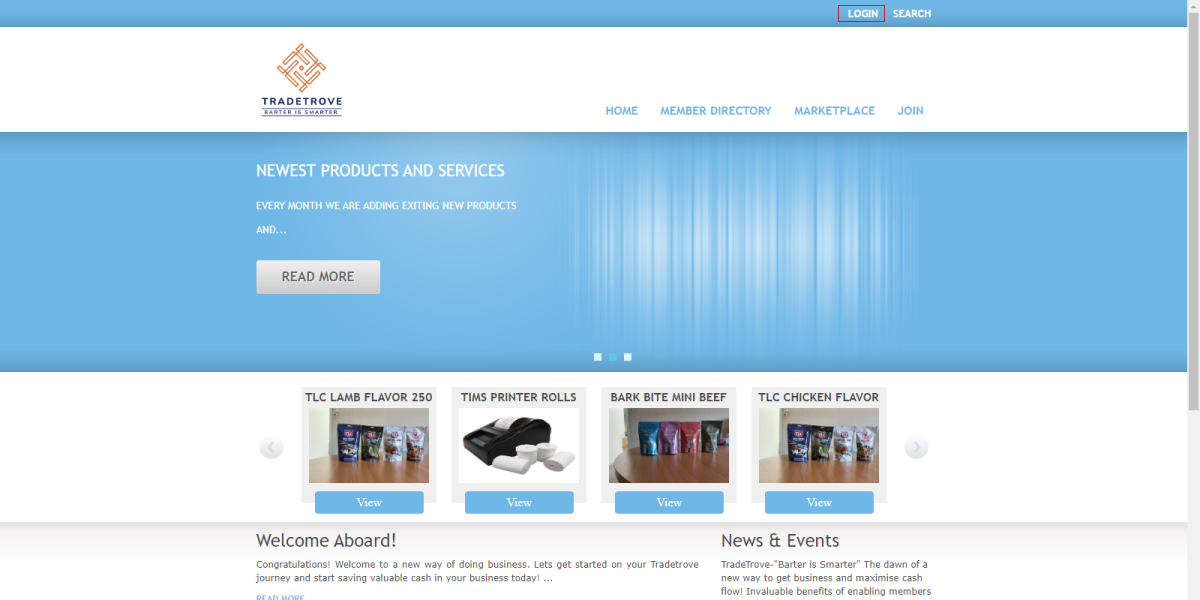
Click the Login button located at the top-right of the page. I’ve highlighted it with a red box for visibility.
3. Enter your login details
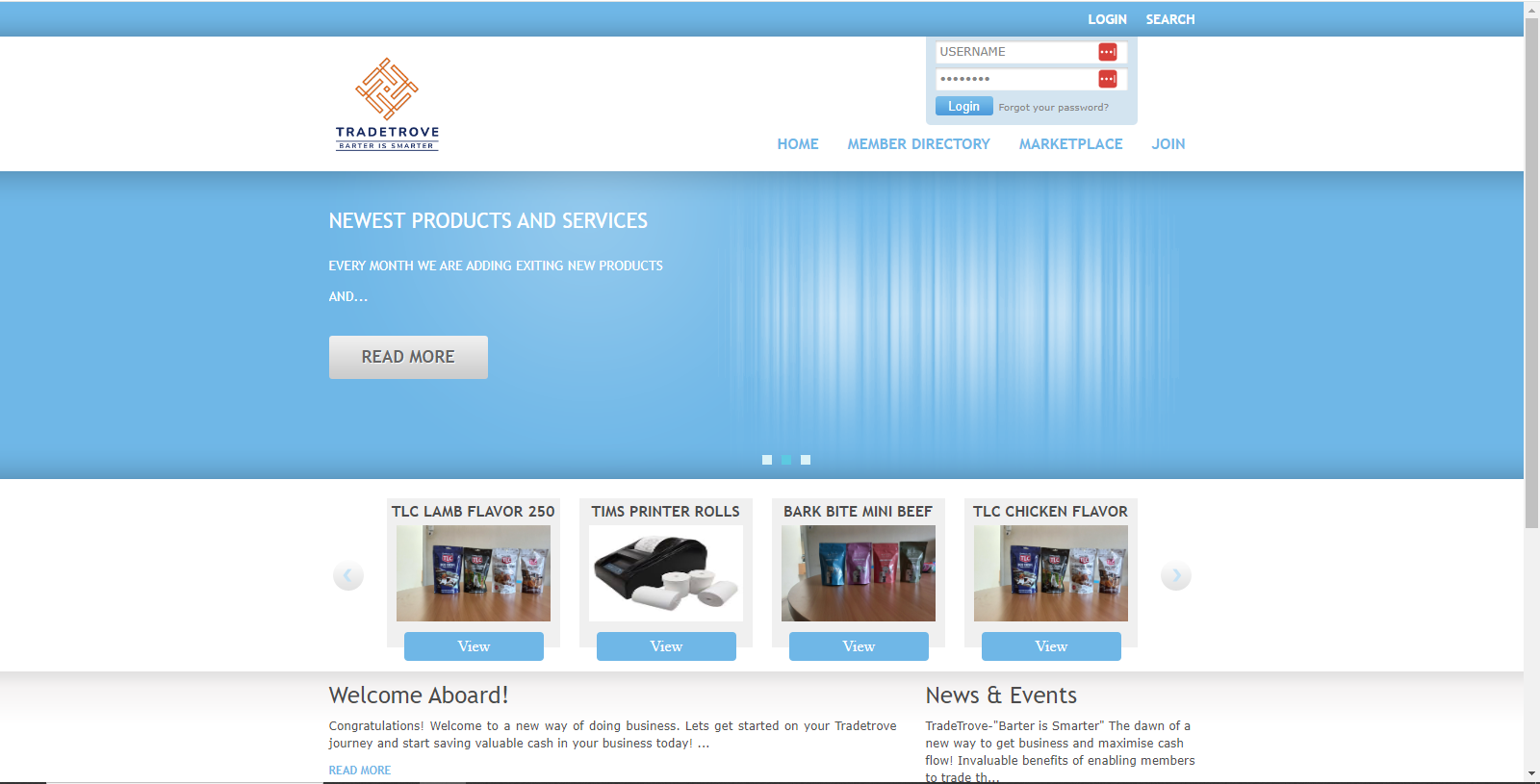
When the LOGIN button is clicked, a login form will pop out. Fill in the login details with the email and password you entered, during setup or the login details sent to your email address. If you did not receive your login details please click Forgot your password and head to point 5. for assistance. You can also email us at support@tradetrove.co.ke or call 0741 303 129/0733 373 498 for assistance.
4. Click Login
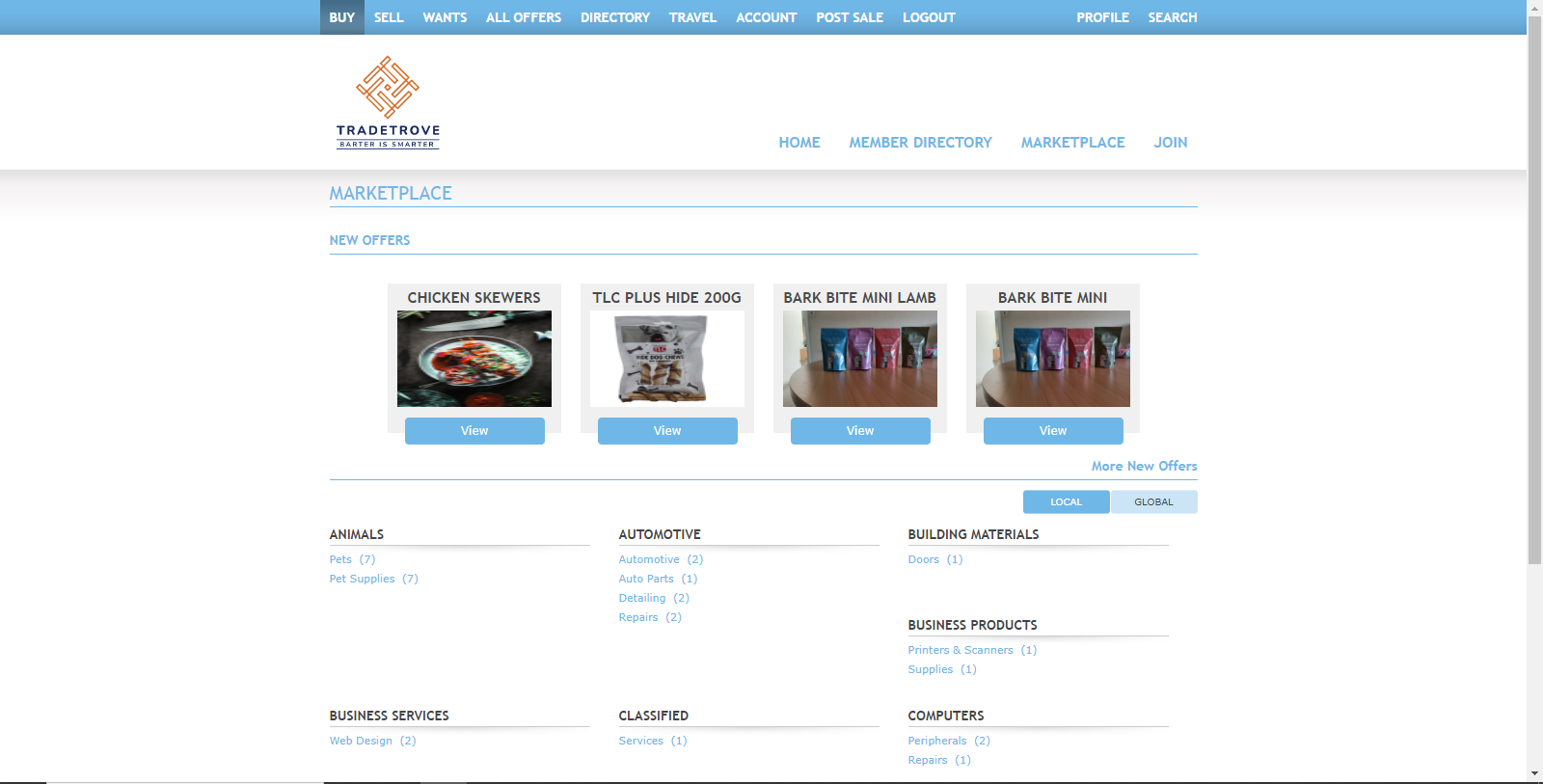
Once you have filled in the username and password. Click the Login button. You will be redirected to the marketplace at https://tradetrove.vbarter.com/catalog/index.html. Here you can view all members available in the exchange and the items available for barter.
5. Forgot password
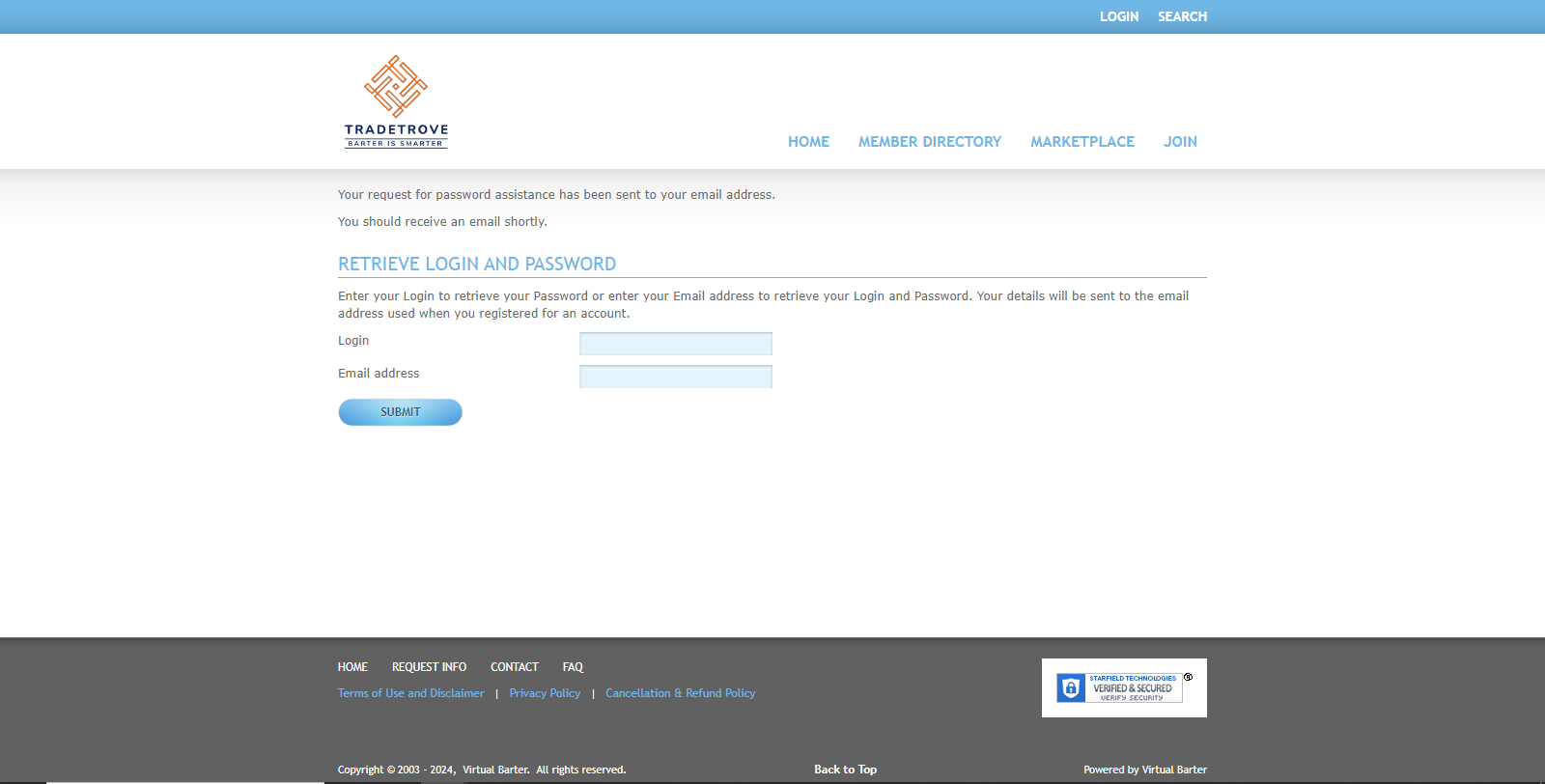
Clicking the forgot password link takes you to the forgot password page. Enter your email address on both of the fields. Your password and email address will be sent to the email you registered with.